


EDITING IN LIGHTROOM


Offered 2 Saturdays Per Month | 1:30-4:30pm
Editing in Lightroom
Bring Your Photos to Life
A Complete Lightroom Editing Workshop
Continue your photography journey by learning how to bring out the best in your photos with Adobe Lightroom in this complete, thoughtfully structured editing class.
No multi-week commitment.
No stretching the learning process out over several months.
Limited to just 5 attendees, our carefully structured three-hour class is designed to guide you through a complete Lightroom editing workflow in one focused and productive session.
In just one Saturday afternoon, you will learn how to transform your photos and begin seeing your own work with greater confidence and a fresh perspective.
You will learn at a relaxed pace with plenty of guidance. The 3-hour curriculum is designed to be thorough, organized, relaxed and easy to follow, helping you understand the full Lightroom editing workflow without feeling rushed.
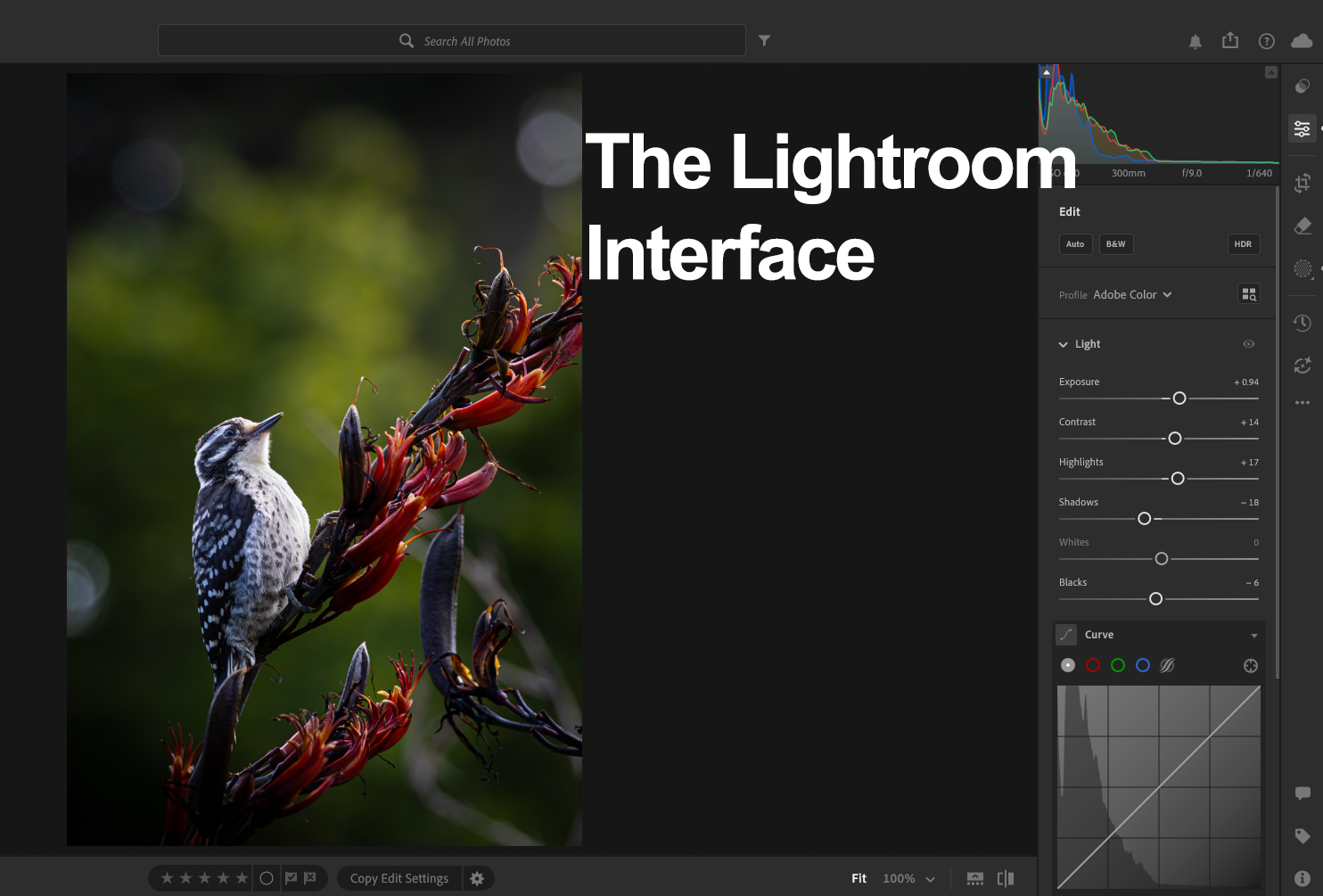
In this class, you will learn how to enhance the look, mood, and overall vibe of your photos using Lightroom’s essential and creative editing tools, including learning these important features: The adjustment tools, masking, color enhancement and color grading, noise reduction, lens blur and removing distractions with AI tools.
To make the learning experience smoother, we will provide carefully selected sample photos for you to edit during class. These images are chosen specifically because they are excellent examples for learning each Lightroom skill step by step. Attendees will receive a download link before class and should download the sample photos onto their computers in advance.
After learning the core editing techniques, attendees are encouraged to practice on their own images. Please prepare 3-5 images of your own if you would like to receive guidance on editing your personal work. If you don't have your own images, we will provide the extra images that you can practice on.
This class is thorough but relaxed. We include two short breaks during the session so you can rest your eyes, reset, and continue learning comfortably.
The class is offered twice a month and is ideal for anyone who wants a complete, guided introduction to editing in Adobe Lightroom.
Attendees need to be 18+, we won't be able to register attendees under 18.
Quick Facts

Class time
1:30pm-4:30pm

Location
535 Mission Street, 14th Floor, San Francisco

Software
Adobe Lightroom
*NOT Lightroom Classic, which is a different software*

Attendees need to bring their own laptop computers
Class size: 5
Pricing
$250/person
Share this class
Class Dates
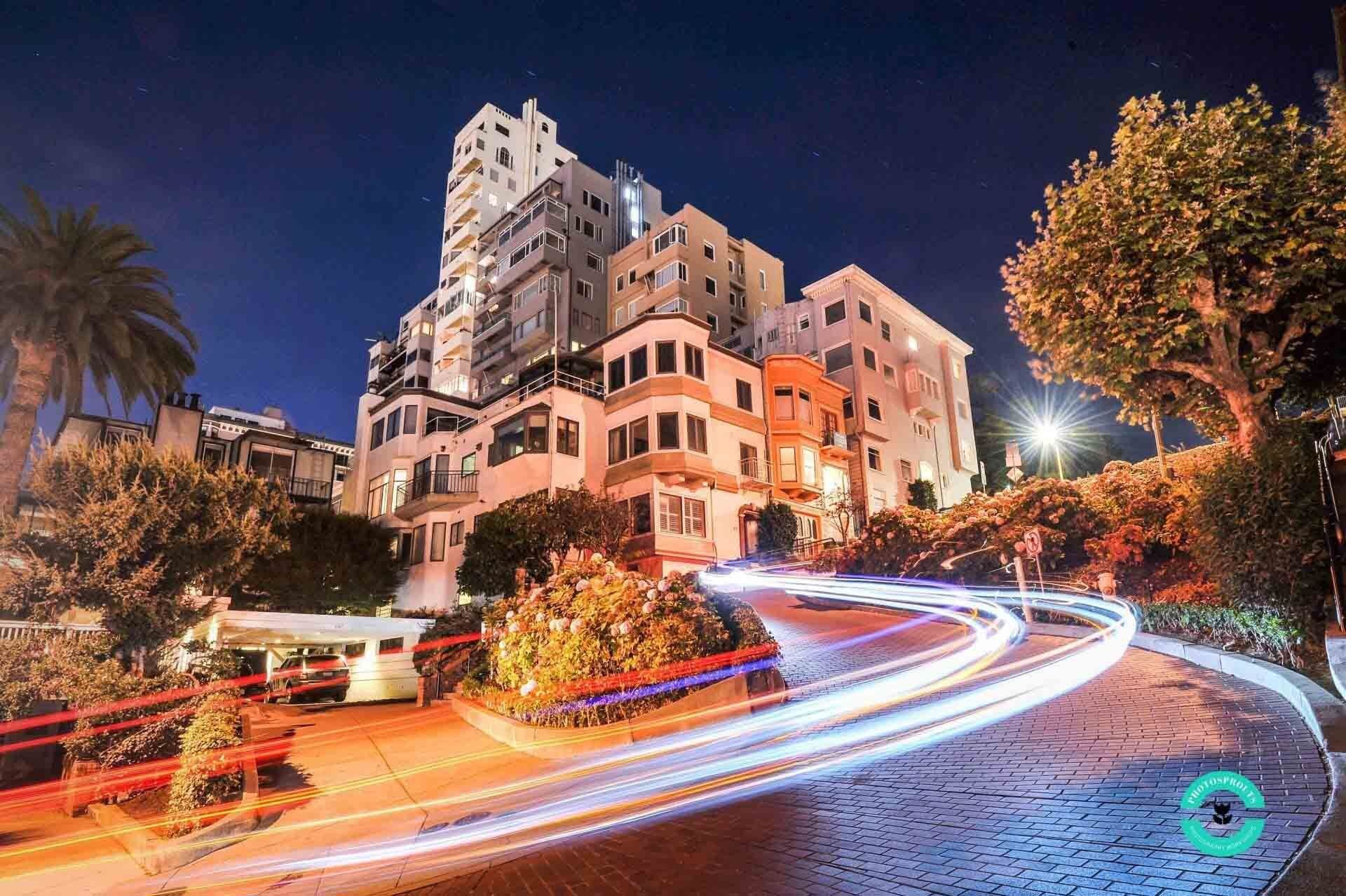
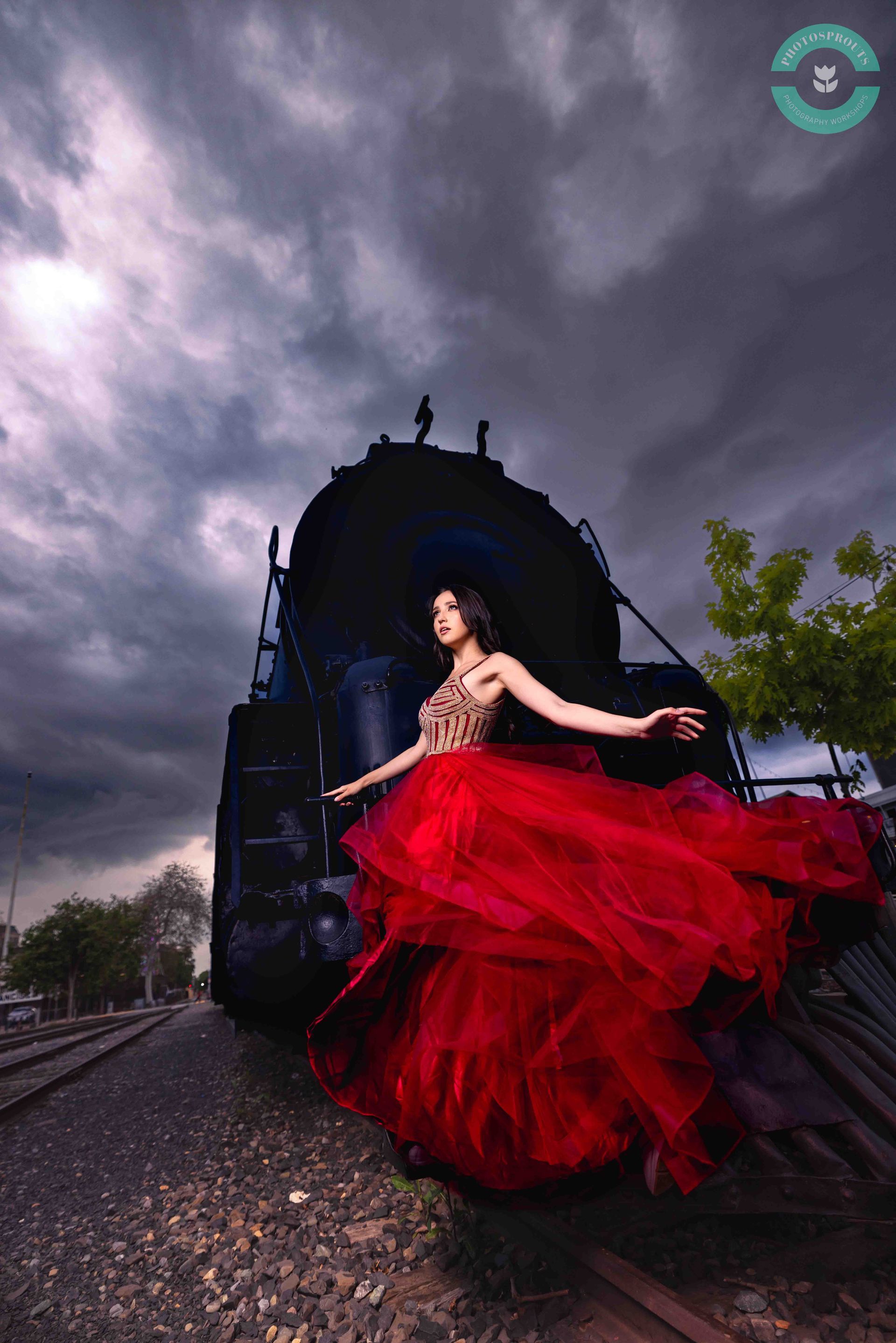
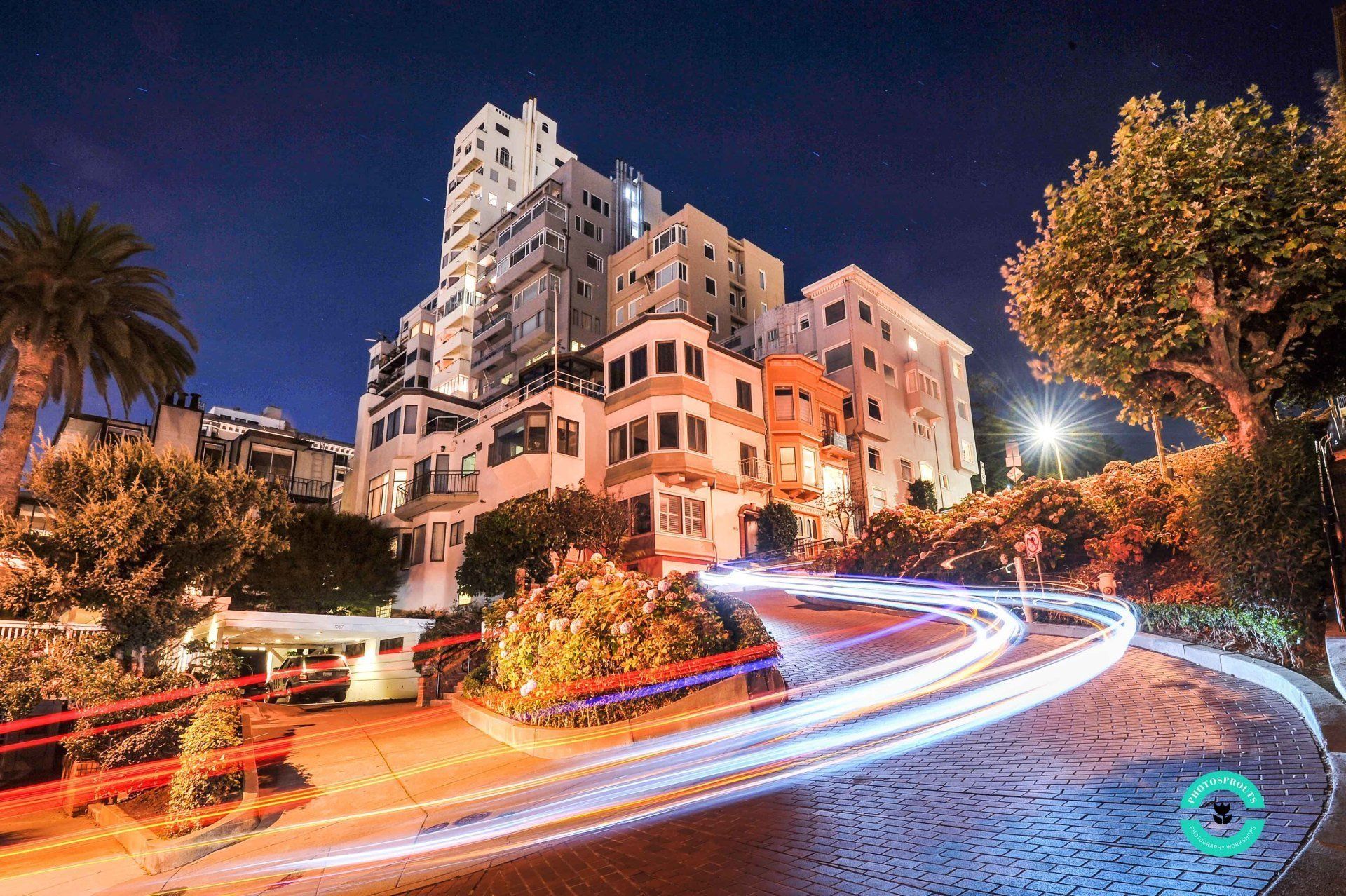
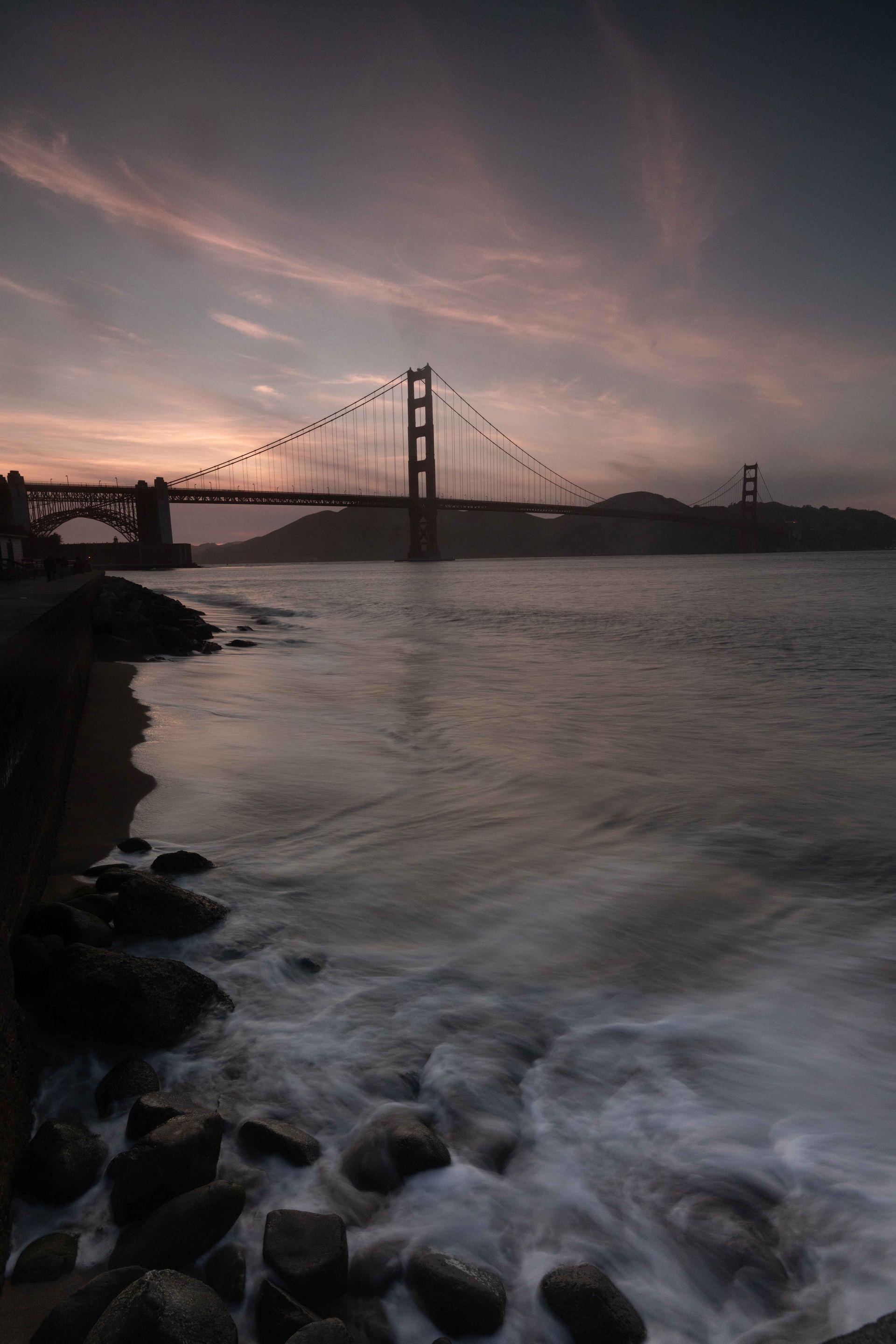
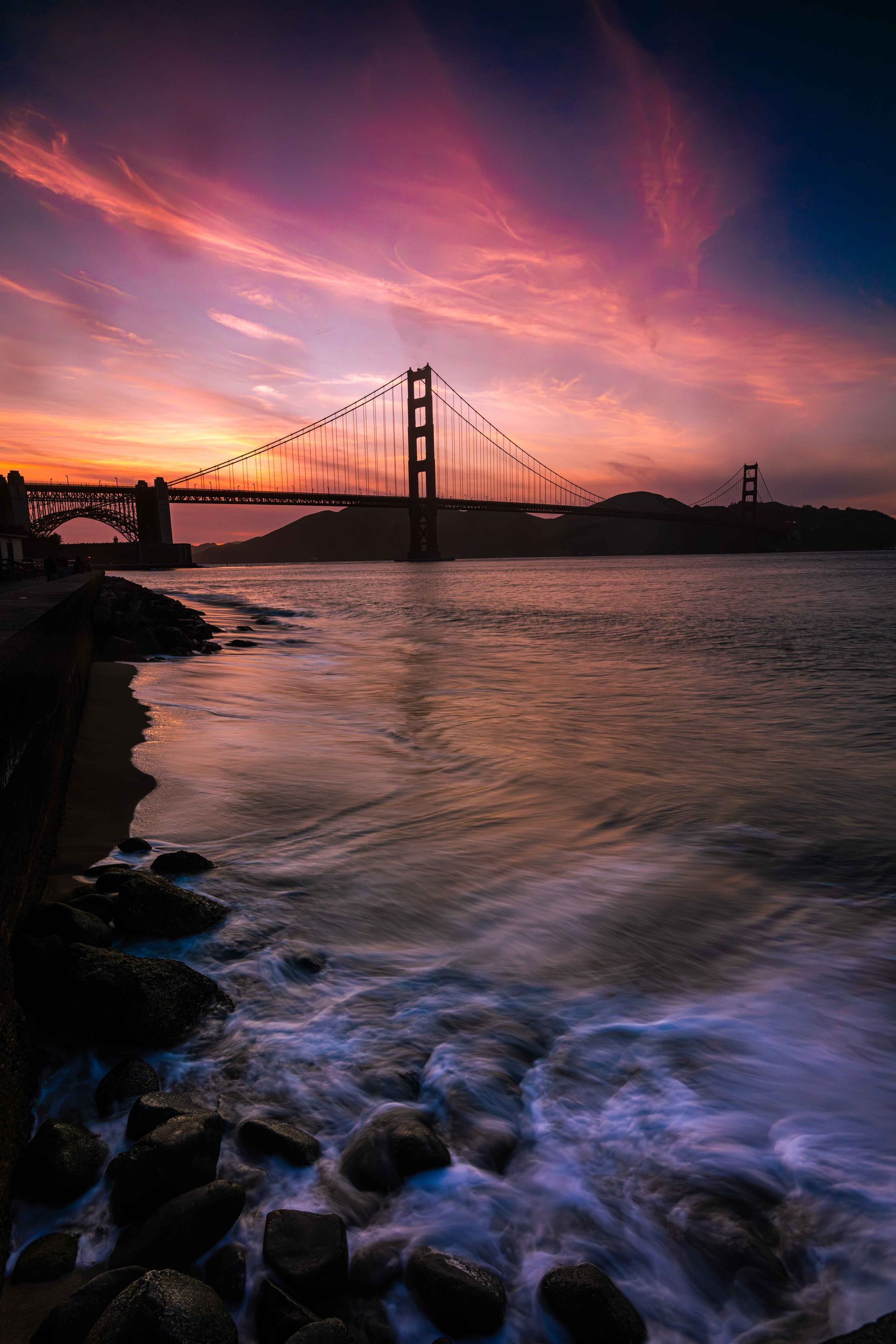
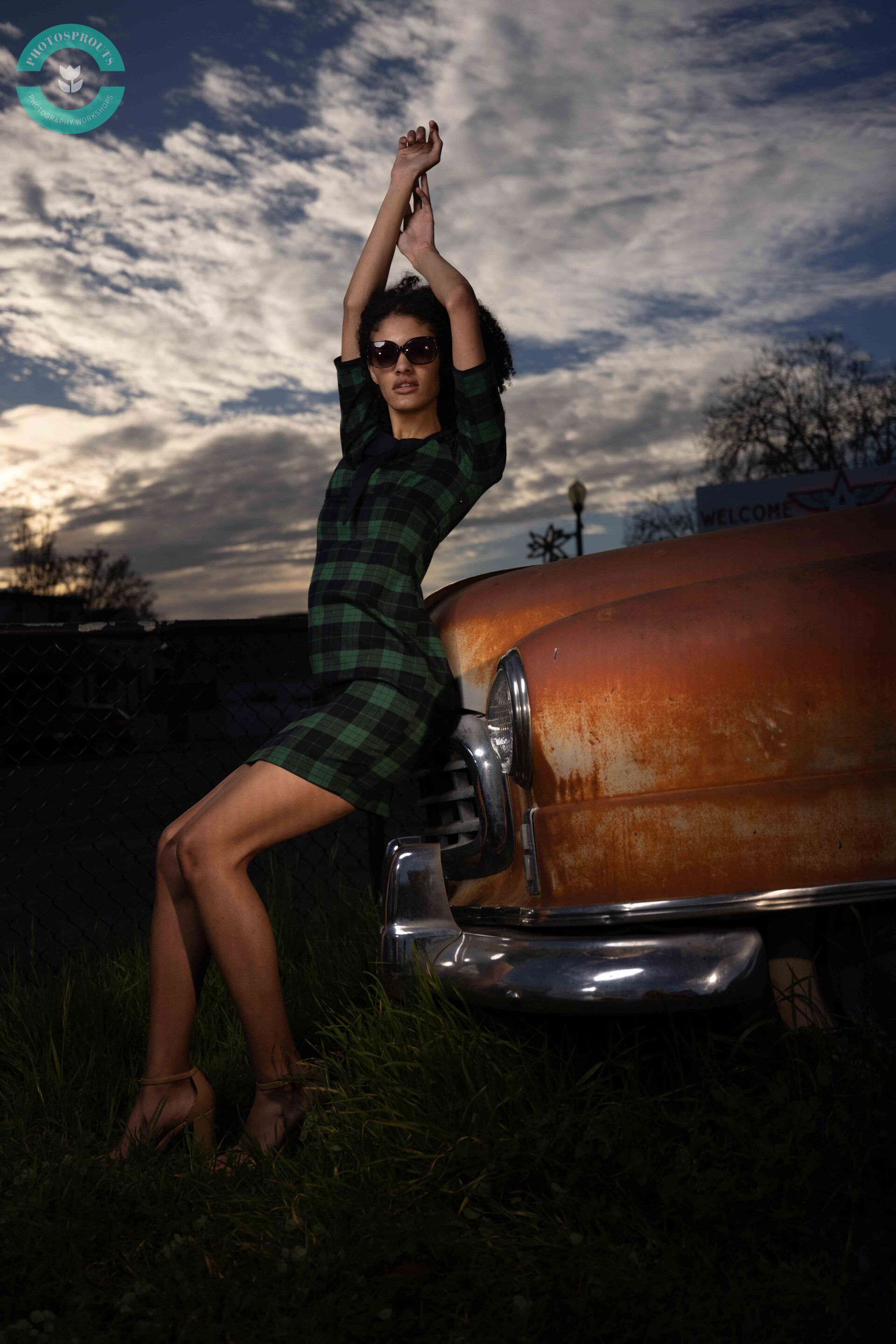
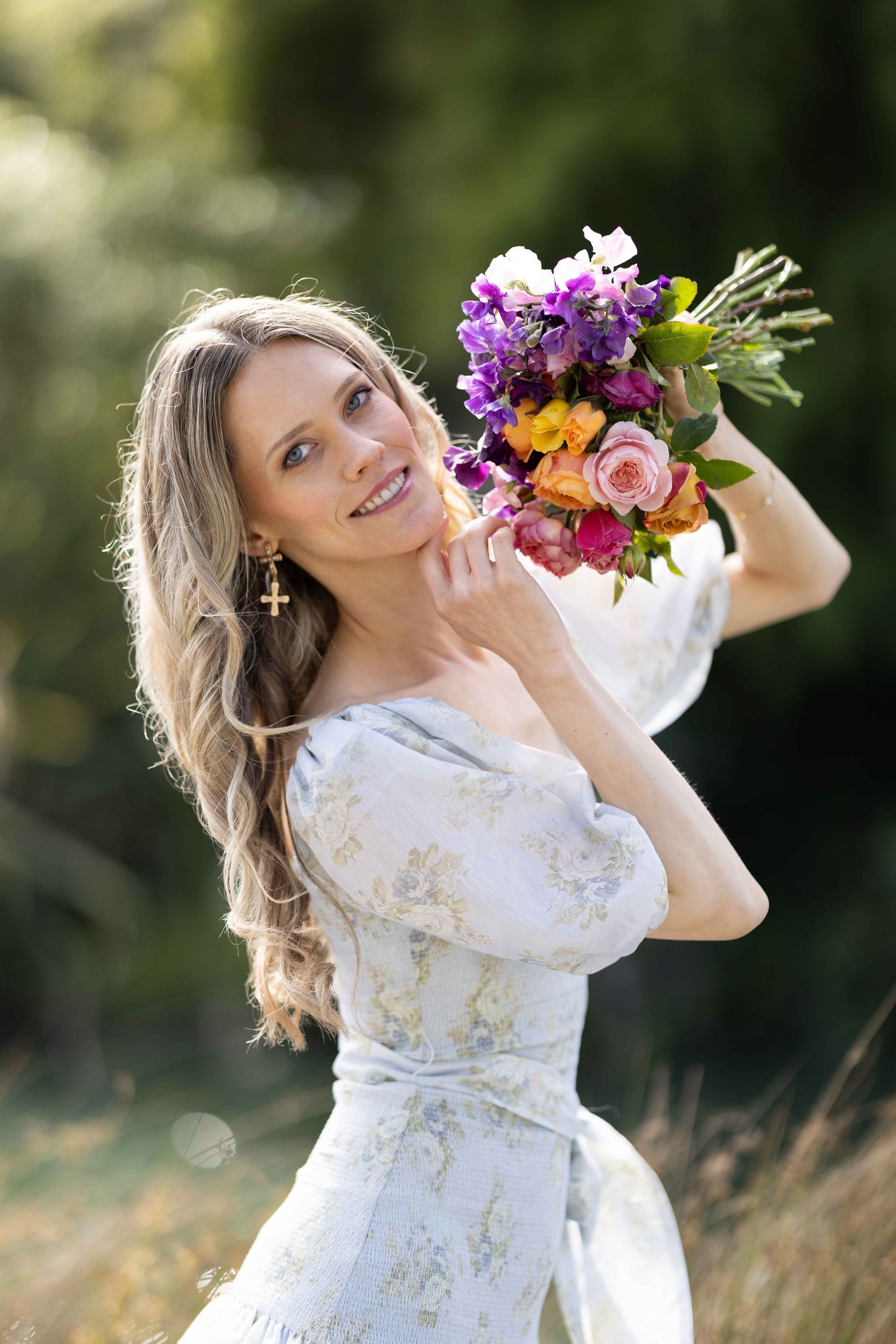
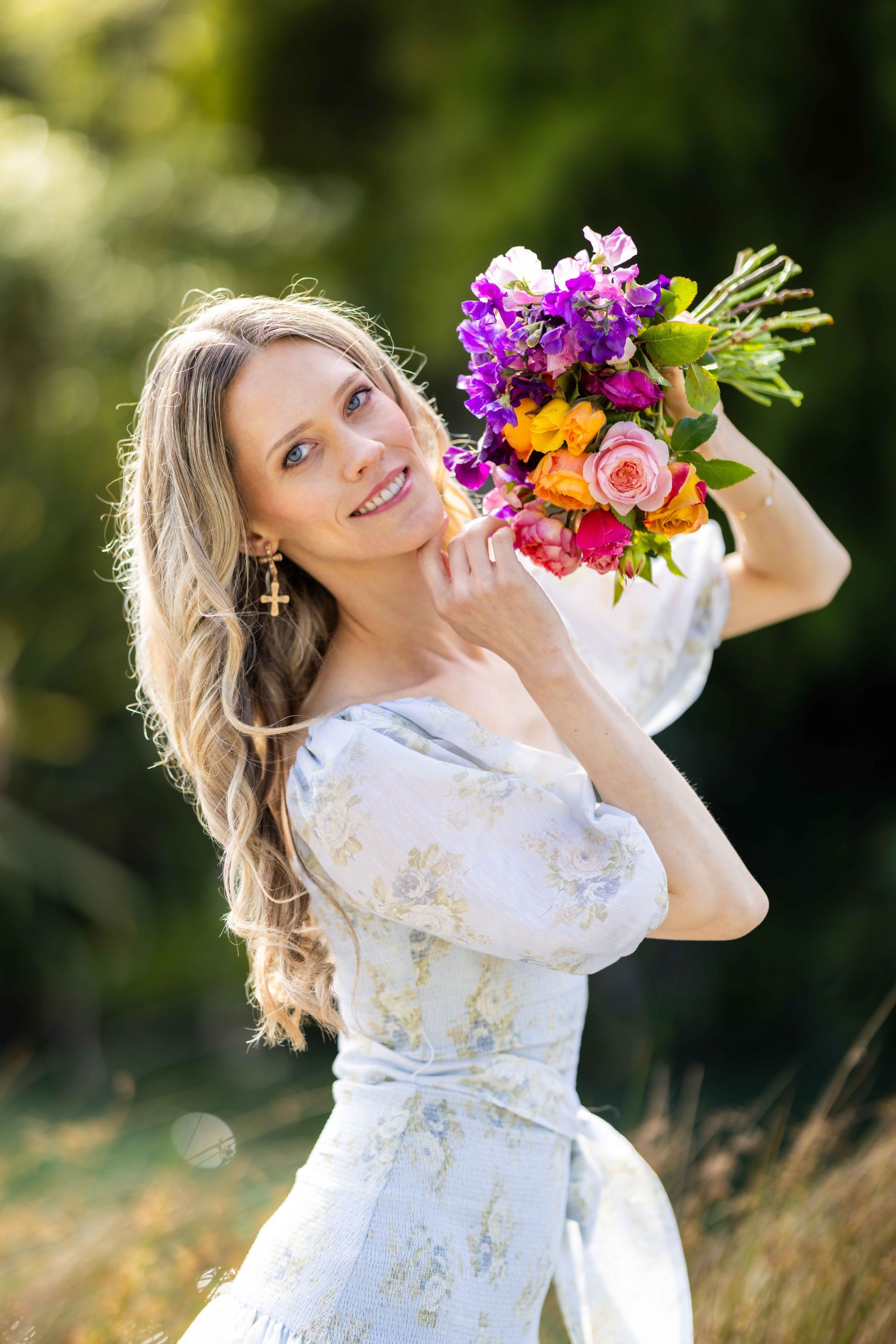
See The Transformation
Watch Your Photos Come to Life!



Bundled Discount

In the Form of a Refund*
Save $30
When you sign up for Editing in Lightroom after completing the Intermediate I or II.
*In the Form of a Refund: You will receive your discount refund within 24 hours of signing up.
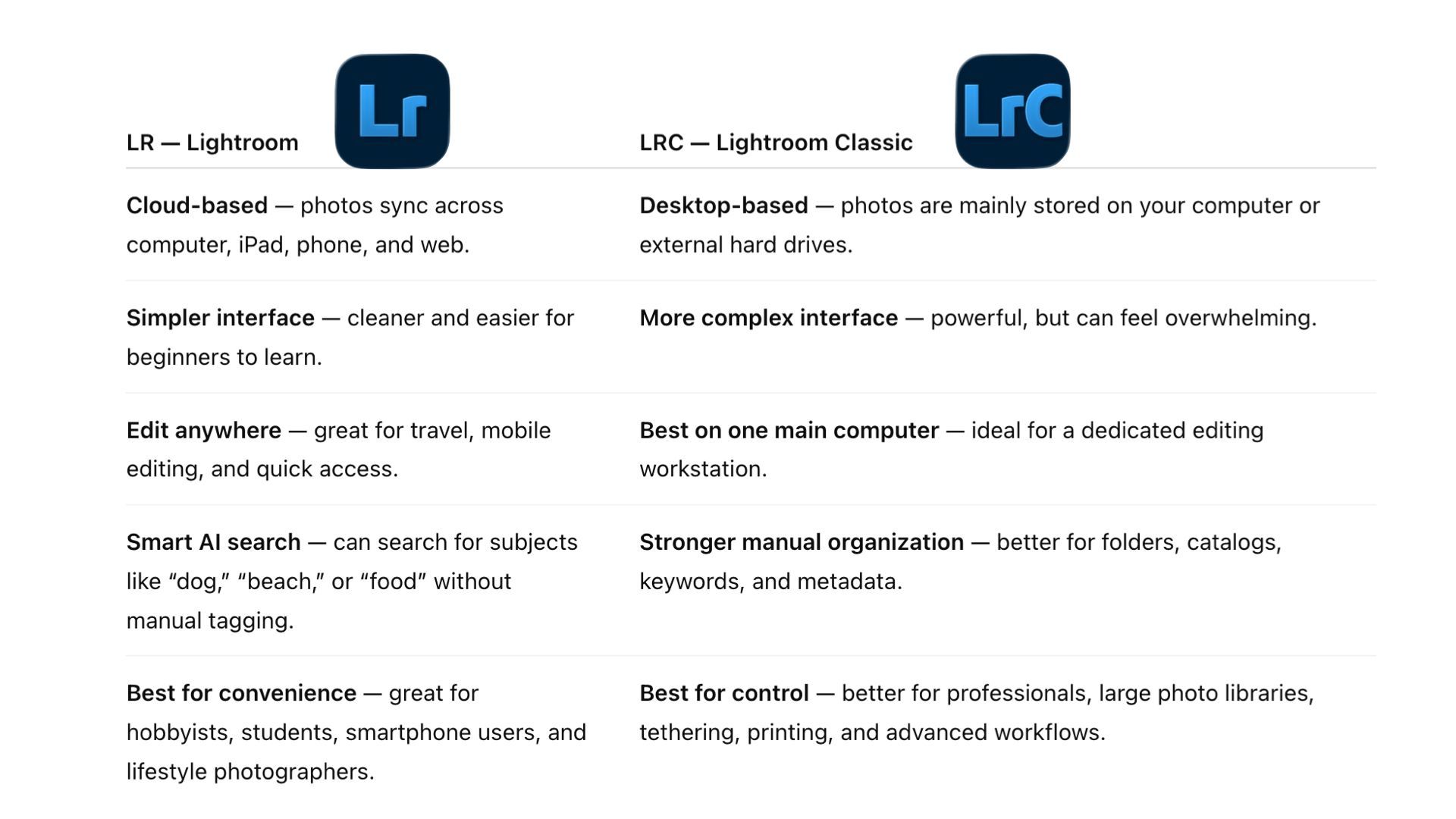
Lightroom vs Lightroom Classic
We teach Lightroom, instead of Lightroom Classic, in the Editing in Lightroom Class.
This class teaches Adobe Lightroom, not Lightroom Classic. Lightroom Classic requires more computer knowledge before the editing process even begins, and we want this class to focus on pure photo editing: enhancing your images, understanding the tools, and developing your editing eye. Once you understand the editing logic, workflow, and key features in Lightroom, transitioning to Lightroom Classic becomes much easier.